
SharePoint list form designer.
No Power Apps needed.
Forms365 Workspace replaces the default SharePoint list form with a no-code drag-and-drop designer. All common column types, conditional logic, automation rules, deployed inside your own Microsoft 365 tenant.
- No Power Apps licence
- Deploys as SPFx
- Data stays in your tenant
- 14-day free trial
Default SharePoint list forms are one column, unstyled, and impossible to brand.
Power Apps requires a separate licence, a developer, and weeks to build a basic form.
InfoPath is gone. The gap it left has never been properly filled until now.
Every SharePoint control, built in
People pickers, linked lists, signatures, attachments, calculated fields, even AI-assisted field suggestions. All the controls your team already relies on in SharePoint, available in the designer.
Try it free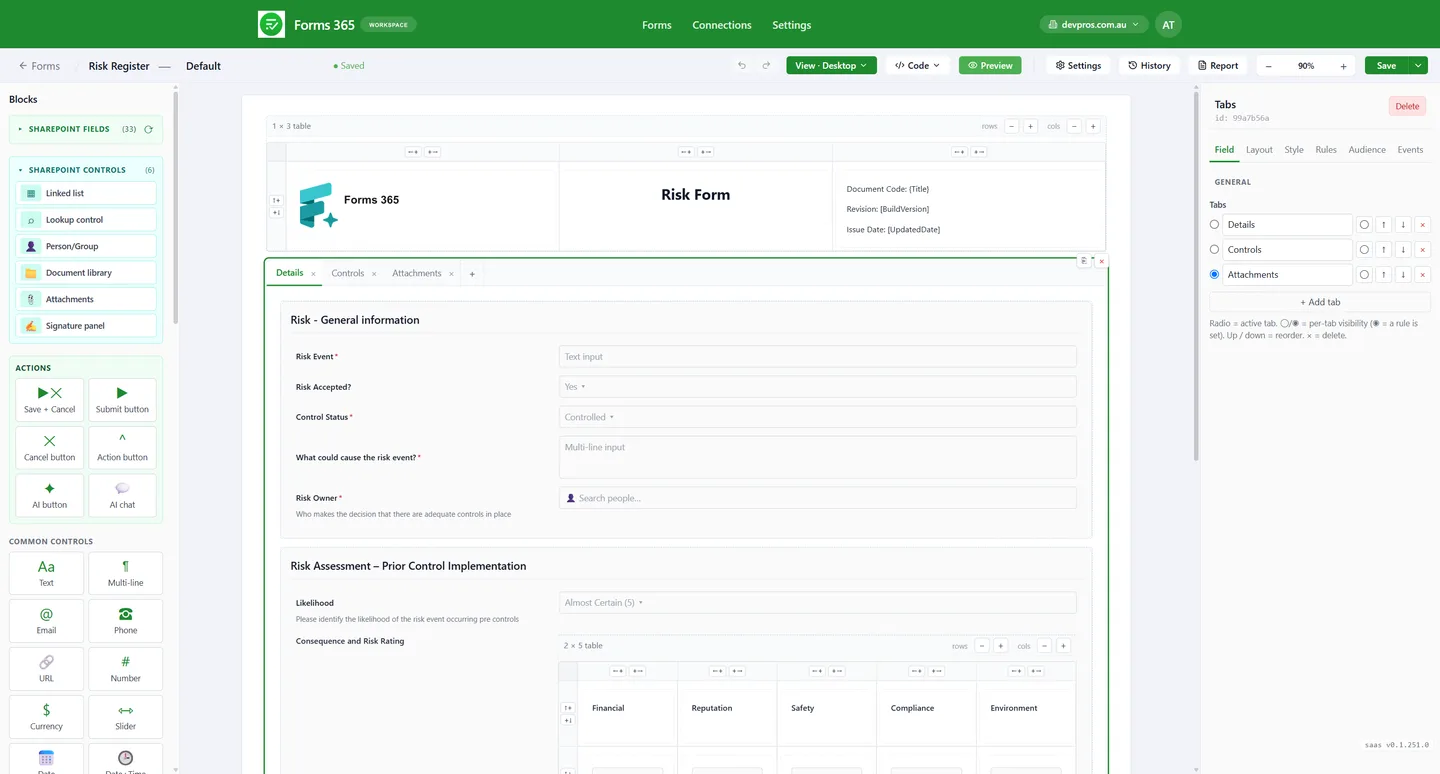
Related data, done right
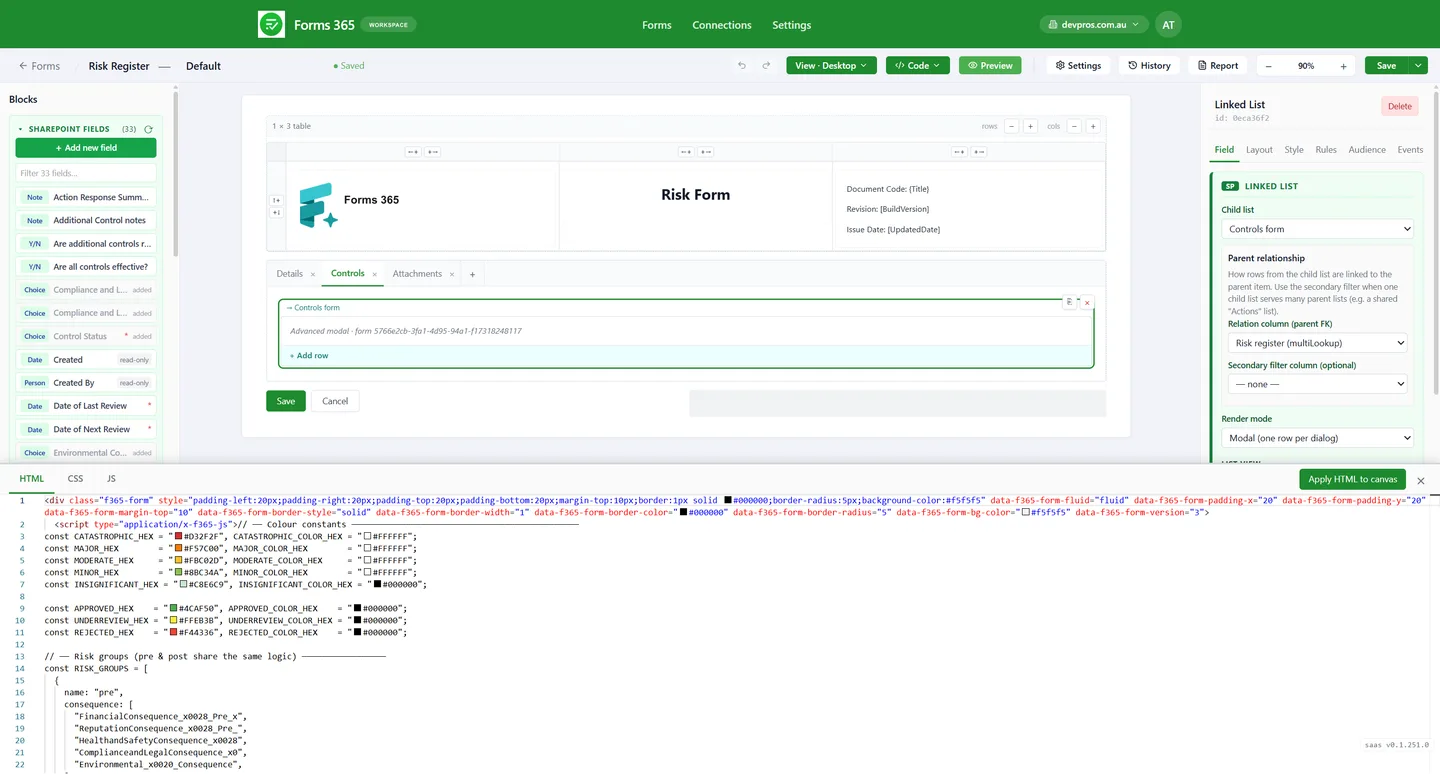
Link child lists directly inside the form. Show and edit line-item controls under a parent risk record, without leaving the form or opening a second window.
Try it free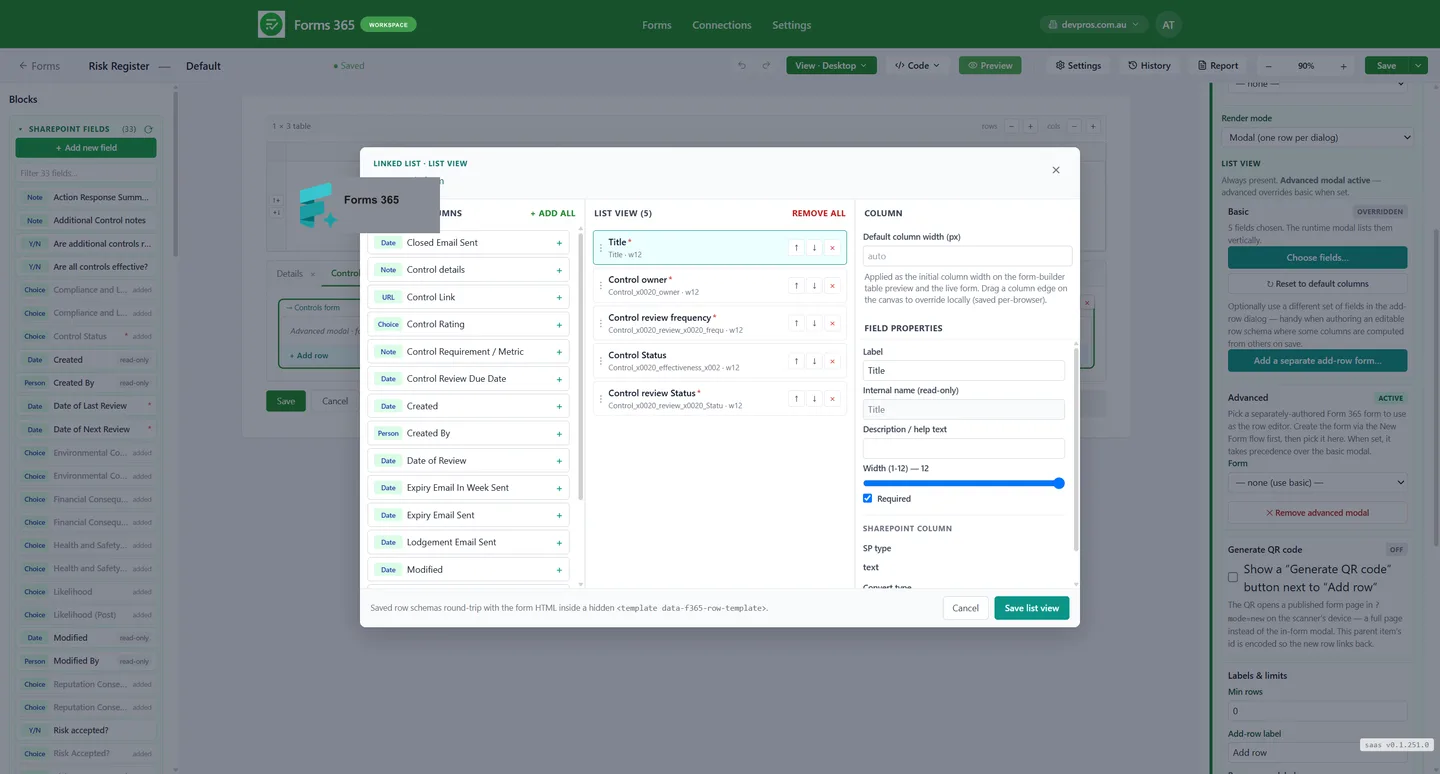
Automation without Power Automate premium
Run logic on save: set field values, route data to other lists, send notifications. No premium Power Automate licence, no developer, no waiting for a flow to trigger.
Try it free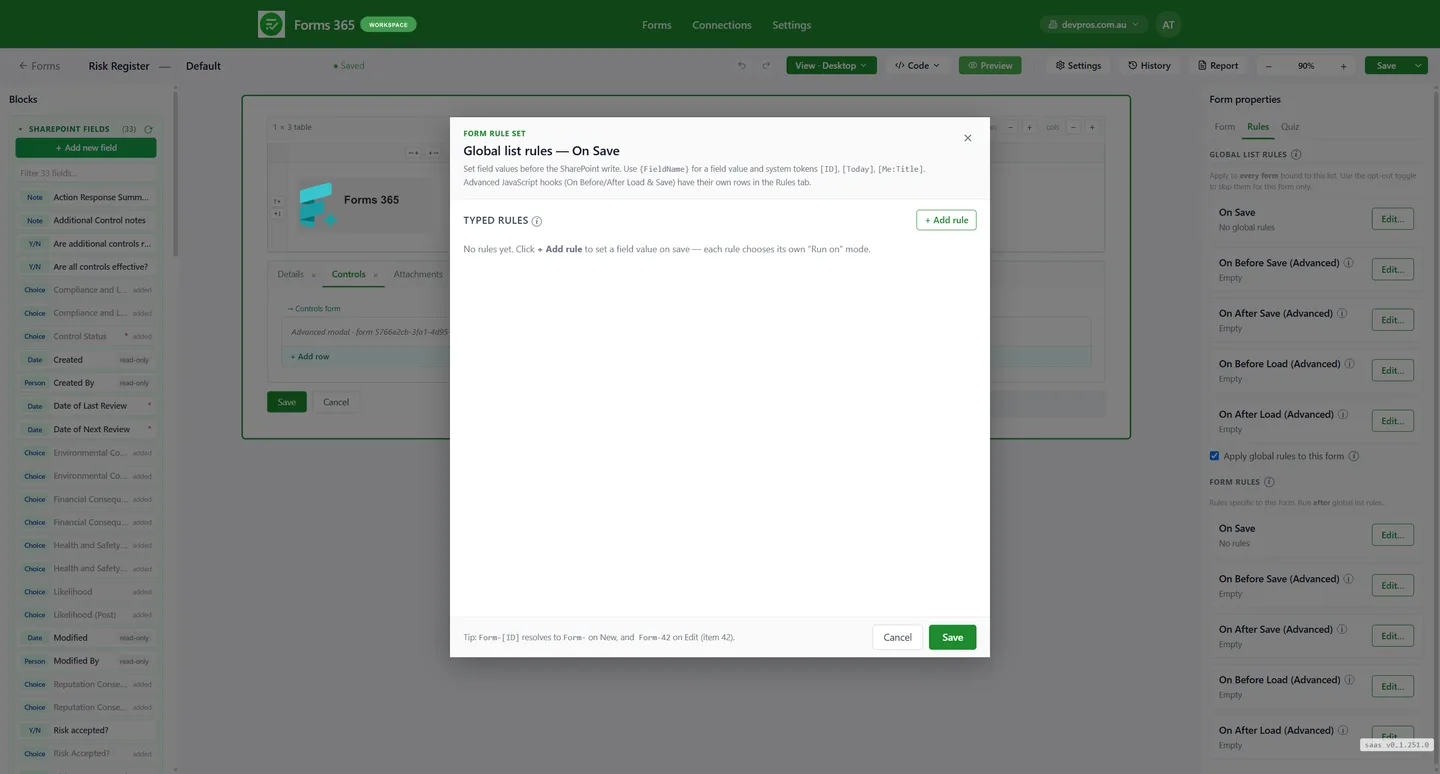
Rich layouts the default form cannot do
Multi-column tables, section dividers, collapsible groups, layout blocks. Build forms that look like real business documents, not a SharePoint list with a vertical stack of fields.
Try it free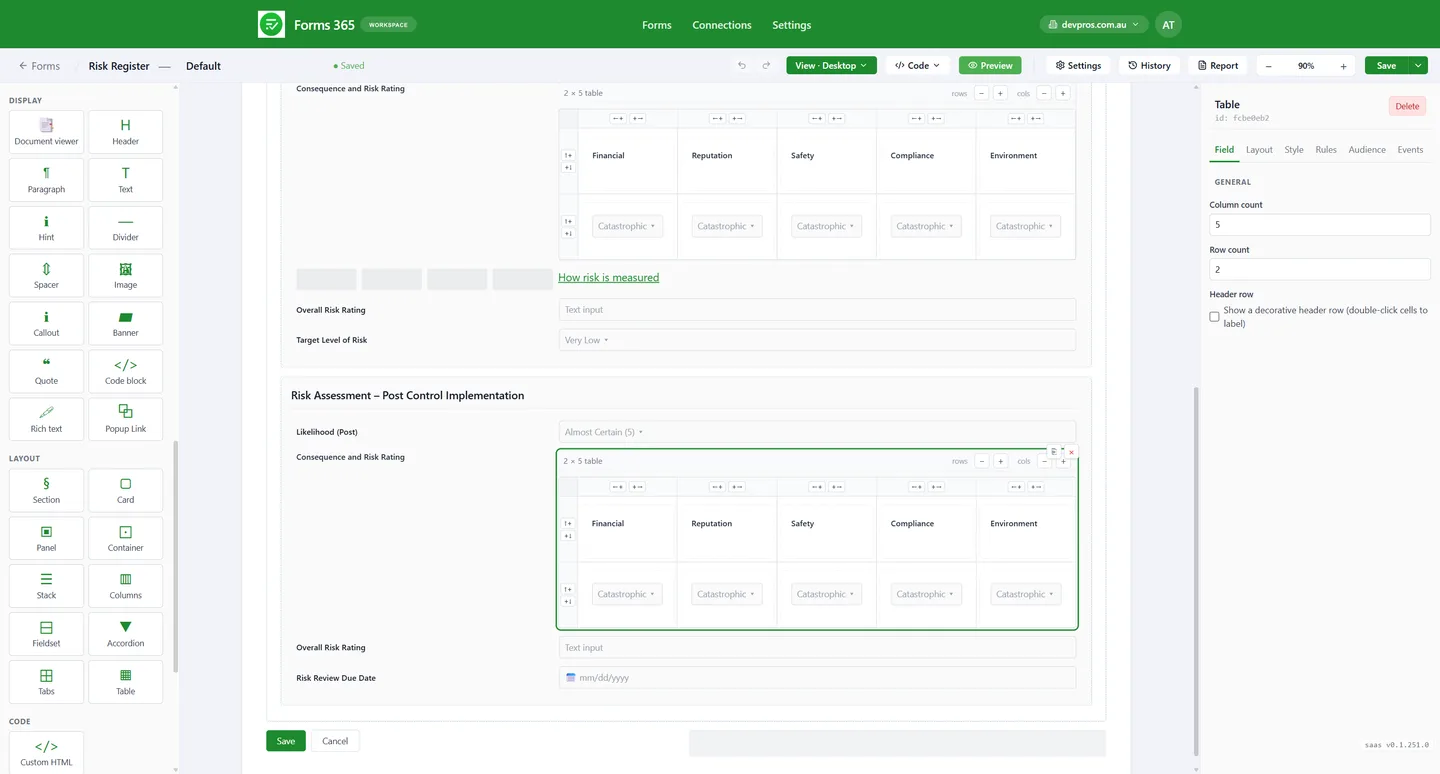
Safe to edit
Every published save is a restore point. If a change goes wrong, roll back to any previous version in two clicks. No more fear of editing a form your team relies on.
Try it free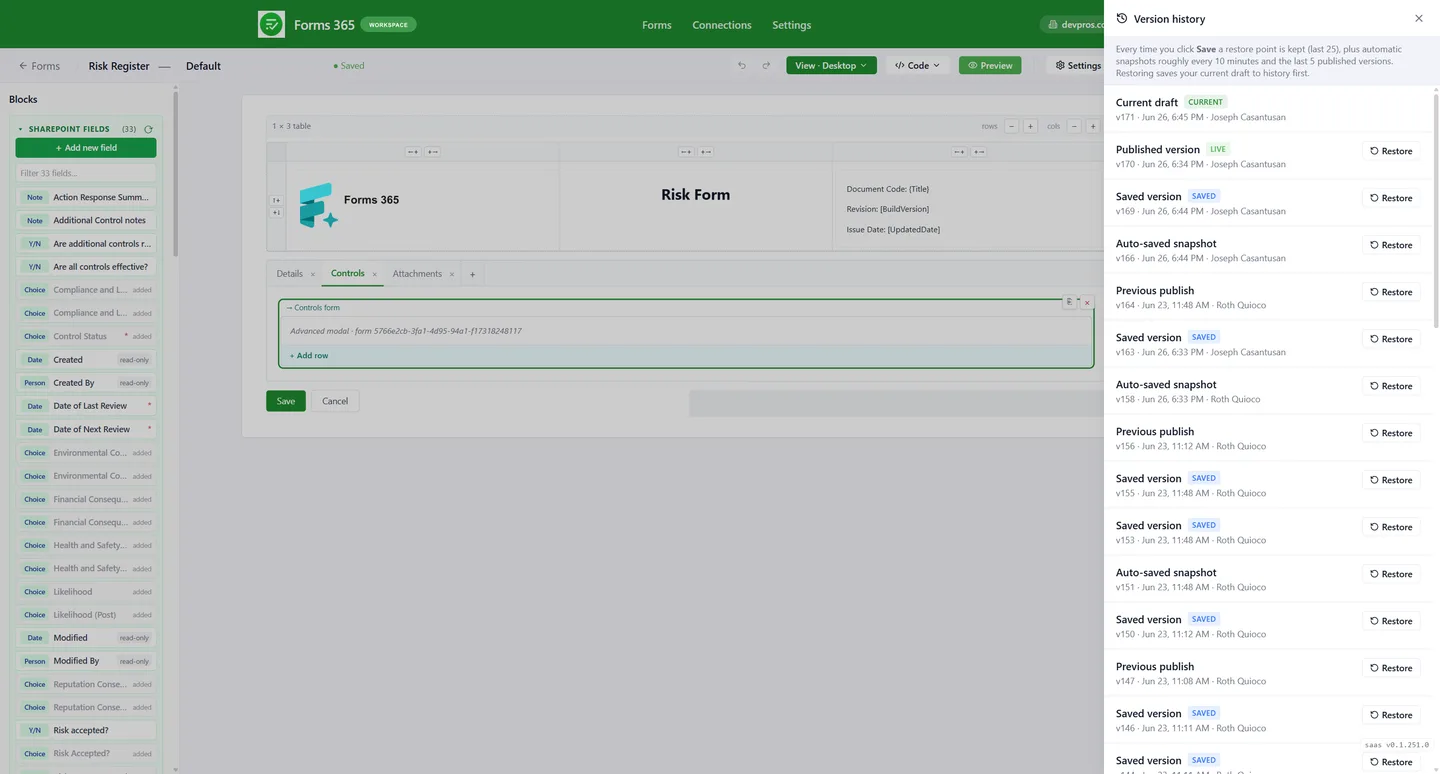
Looks right everywhere
Preview desktop, tablet, and mobile inside the designer before publishing. Your form reaches staff on every device, so make sure it looks right before they see it.
Try it free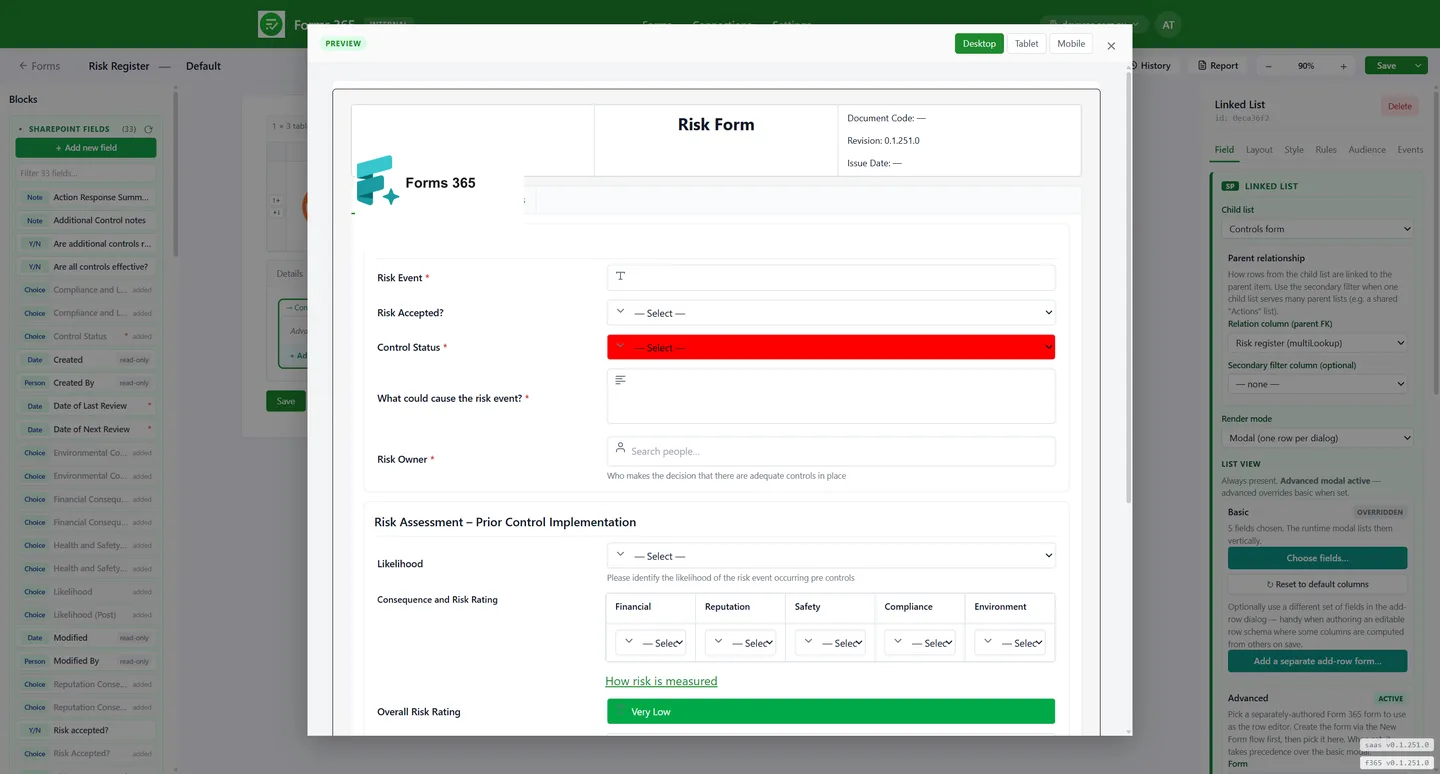
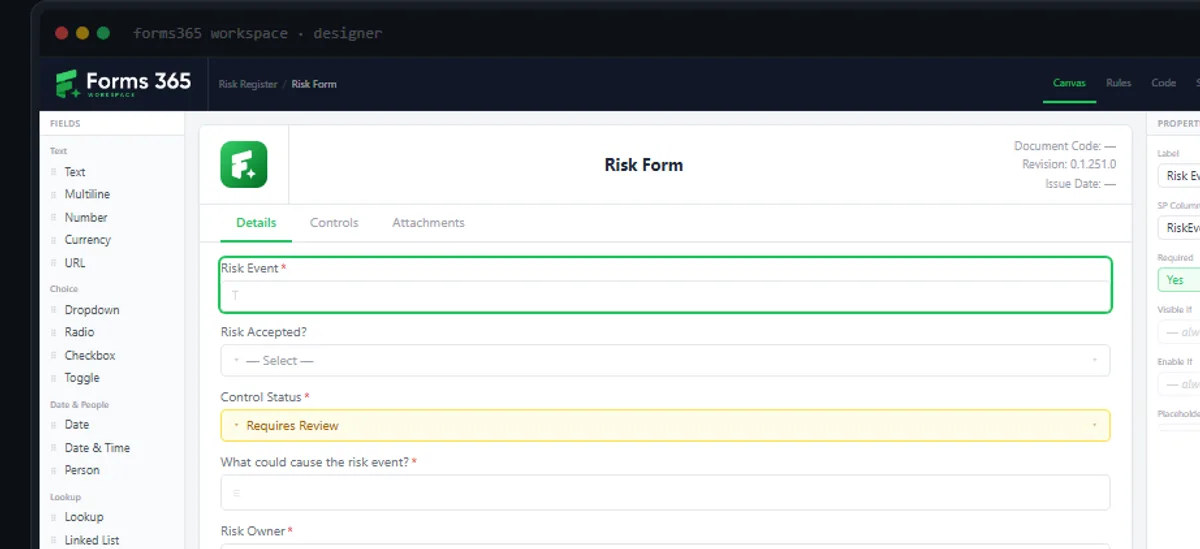
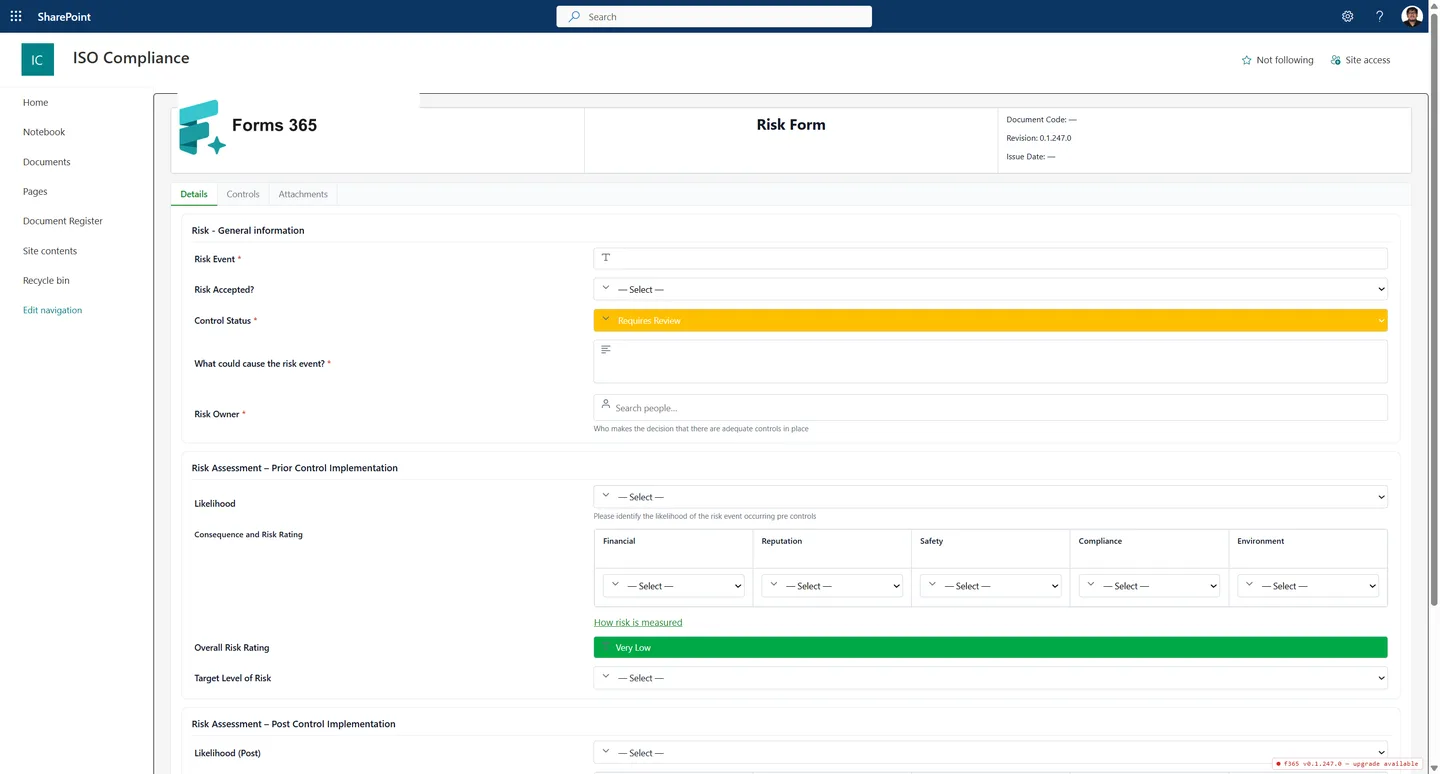
Design it. Ship it. See it in SharePoint.
Certify, our ISO compliance product, is built entirely on Forms365 Workspace. The designer on the left is how you build it. The rendered form on the right is what your team sees in SharePoint.
Extensible when you need it
Most teams never touch this. But if you need to go beyond the designer, you can drop to HTML, CSS, and JavaScript at the field or section level. The no-code layer handles 95% of cases; the code layer handles the rest.
No framework to learn. Your custom code lives inside the form and deploys with it.
Guides for building SharePoint list forms
If you want the full picture first, the guide on how the list form designer works covers what it replaces and what you can put on a form. From there the common jobs each have their own walkthrough: conditional logic, calculated fields and running totals, validation rules, and a working people picker.
For the fields people ask about most, there is capturing a signature, ratings and a Likert matrix, and line items to replace an InfoPath repeating table. Once a form works well, you can reuse it across sites with templates and suites.
Workspace is for internal, signed-in users. If you also need people outside your organisation to submit, that is a job for a public web form.
Start building better
SharePoint forms today.
14-day free trial. No credit card. Set up in under 20 minutes.
Deploys as SPFx · Data stays in your tenant · No Power Apps licence needed