
Forms 365 vs the alternatives
Side-by-side breakdown of Forms 365 against Power Apps, Microsoft Forms, and Plumsail for SharePoint form building and public web forms.
Forms 365 vs
Power Apps
Requires a Power Apps licence, Canvas app knowledge, and developer time. Forms 365 does the same job in minutes with no licence cost.
Forms 365 vs
Microsoft Forms
Microsoft Forms is a survey tool. It doesn't replace SharePoint list forms, save to list items, or support full conditional logic.
Forms 365 vs
Plumsail
Plumsail is the closest competitor. Forms 365 is built and supported in Australia, with data staying in your own M365 tenant.
Feature-by-feature breakdown
Comparison based on publicly available information as of 2026.
| Feature | Forms 365 Our pick | Power Apps | Microsoft Forms | Plumsail |
|---|---|---|---|---|
| Replaces SharePoint list NewForm / EditForm | ✓ | ✓ | ✕ | ✓ |
| No-code drag-and-drop designer | ✓ | ✕ | ✓ | ✓ |
| Public forms, no Microsoft login needed | ✓ | ✕ | ✕ | ✓ |
| All SharePoint column types supported | ✓ | ✓ | ✕ | ✓ |
| Conditional logic without code | ✓ | ✕ | Limited | ✓ |
| Data stays in your M365 tenant | ✓ | ✓ | ✓ | ✕ |
| AI-assisted form generation | ✓ | ✕ | ✕ | ✕ |
| Approval workflows built-in | ✓ | ✕ | ✕ | ✕ |
| Power Automate (via list triggers) | ✓ | ✓ | ✓ | ✓ |
| Power Apps licence required | ✕ | ✓ | ✕ | ✕ |
| White-label / remove branding | ✓ | ✓ | ✕ | Paid |
| Australian-built and supported | ✓ | ✕ | ✕ | ✕ |
| Free trial / plan | ✓ | With M365 | With M365 | ✓ |
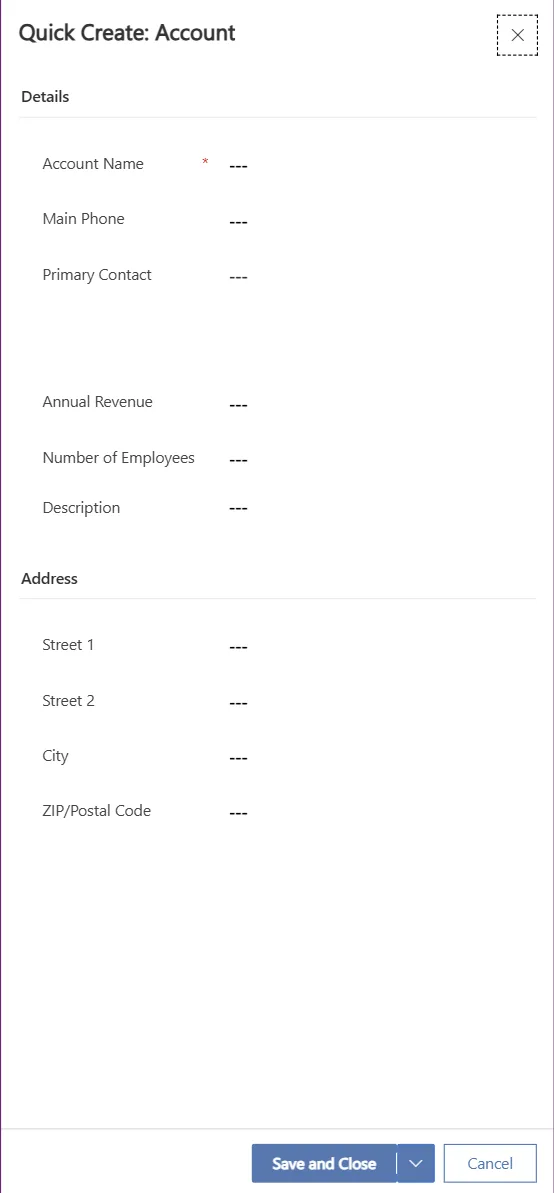
Same outcome.
A fraction of the complexity.
Power Apps can customise SharePoint list forms, but it requires a Power Apps licence, Canvas app expertise, and developer time to build even a basic form. Most teams wait weeks for IT to deliver a simple intake form.
Forms 365 Workspace delivers the same result: drag-and-drop form design, automation rules, and conditional logic, with no licence cost beyond your existing Microsoft 365 subscription.
- No Power Apps licence required
- No Canvas app knowledge needed
- Deploy in minutes, not weeks
- Conditional logic without code
A survey tool
vs a form platform.
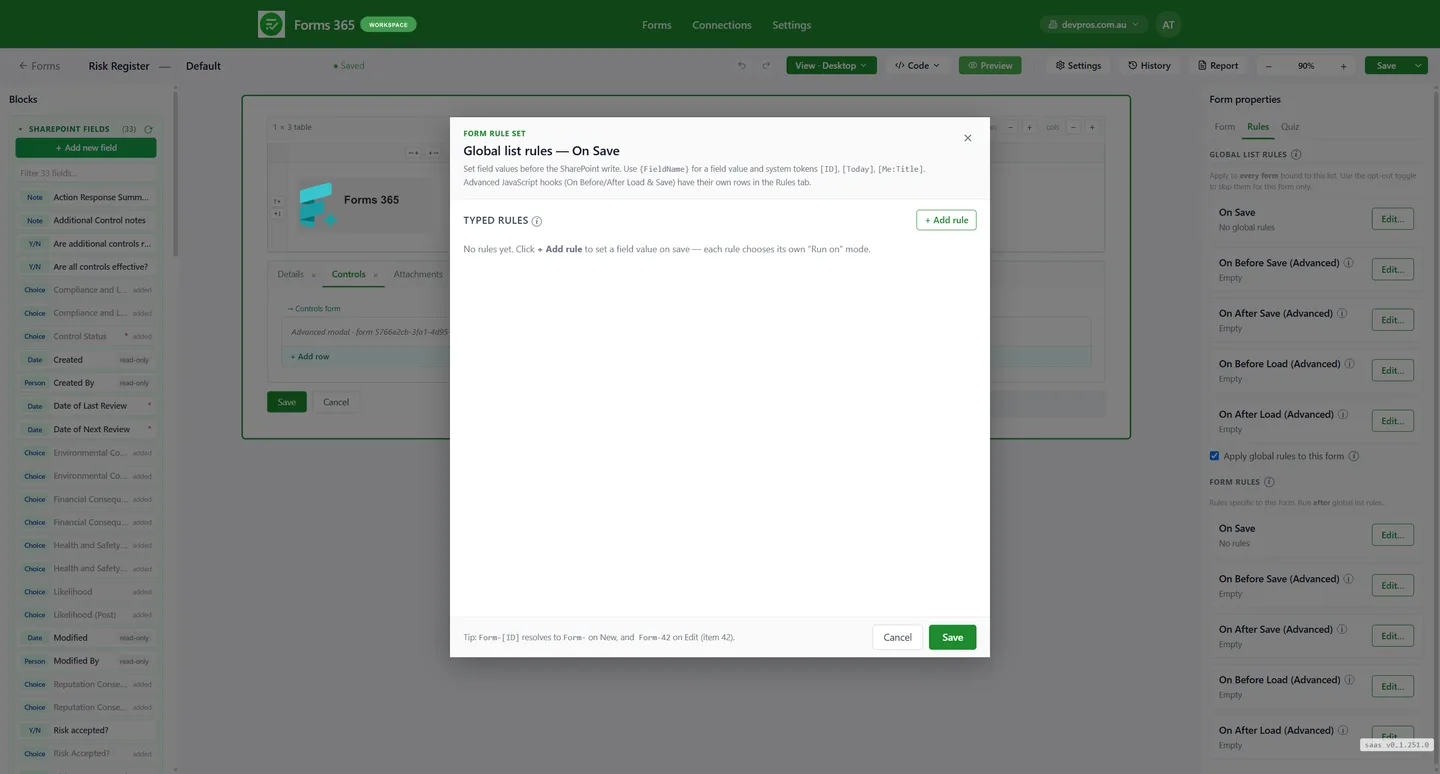
Microsoft Forms is a survey tool. It collects responses into its own storage, not into your SharePoint list. It doesn't replace the NewForm or EditForm for a SharePoint list, and doesn't support conditional logic across all column types.
Forms 365 Workspace is a purpose-built replacement for the default SharePoint list form experience. Forms 365 Web collects public submissions with no Microsoft login required and saves directly to your list.
- Saves directly to SharePoint list items
- Replaces NewForm and EditForm
- External users, no Microsoft account needed
- Conditional logic across all common column types
Closest competitor.
But not Australian.
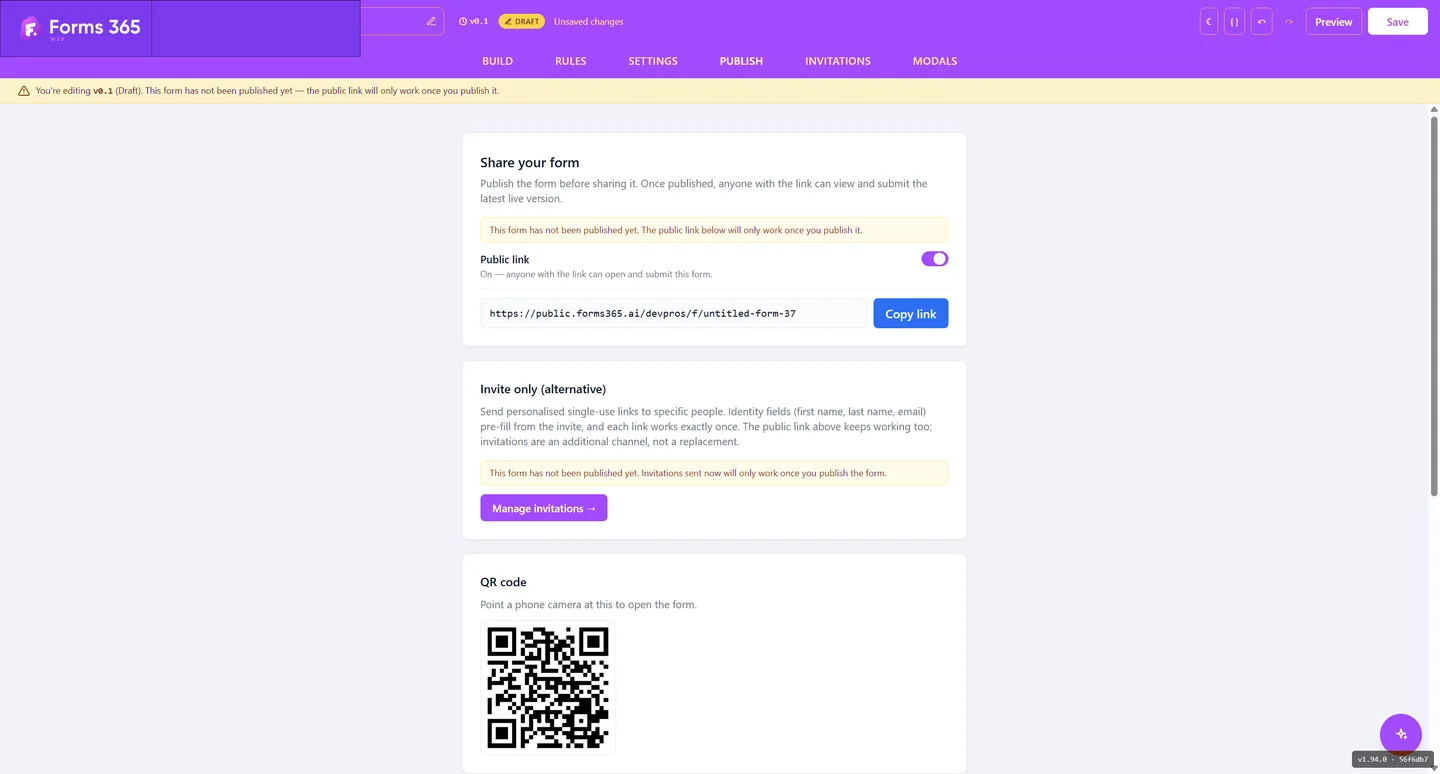
Plumsail is the nearest global equivalent: a SharePoint form designer plus a public web forms product. The feature set is broadly similar. The difference is where you are.
Forms 365 is built and supported in Australia. Your data stays in your own Microsoft 365 tenant. Plumsail is a global product with no Australian-specific data residency commitments and support across time zones.
Forms 365
✓Australian-built
✓AEST support hours
✓Data in your M365 tenant
✓AI-assisted generation
Plumsail
✕Global product
✕No AU data residency
✕No AI generation
✕Per-form seat pricing

Which one is right for you?
Pick your situation.
"Your team works inside SharePoint and you want better internal forms without Power Apps."
"You need to collect data from customers or contractors who have no Microsoft account."
Use
Forms 365 Web →"You need both internal SharePoint forms and public-facing forms in one platform."
Comparing SharePoint form tools
How does Forms 365 compare to Power Apps for SharePoint forms?
Forms 365 Workspace replaces Power Apps for SharePoint list form customisation. Power Apps requires a separate licence, a Canvas app, and developer knowledge to build even a basic form. Forms 365 Workspace is a no-code drag-and-drop designer that deploys inside your existing Microsoft 365 tenant with no additional licence cost. It also supports SharePoint Content Types natively, which Power Apps does not.
What is the difference between Microsoft Forms and Forms 365?
Microsoft Forms is a survey tool. Responses go into Microsoft's own storage, not your SharePoint list. Getting data into SharePoint requires a Power Automate flow. Forms 365 Workspace replaces the default SharePoint list form directly, saving data to your list on every submission with no intermediate tool.
How does Forms 365 compare to Plumsail for SharePoint?
Plumsail is the closest global competitor. Both offer a SharePoint form designer and a public web forms product. Forms 365 is built and supported in Australia, with data staying in your own Microsoft 365 tenant. Plumsail is a global product with no Australian-specific data residency commitments or AEST support hours.
Does Forms 365 require a Power Apps licence?
No. Forms 365 Workspace does not require a Power Apps licence, a Power Platform environment, or any additional Microsoft licence beyond your existing Microsoft 365 subscription. It deploys as an SPFx solution inside your tenant.
Can Forms 365 collect from external users without a Microsoft account?
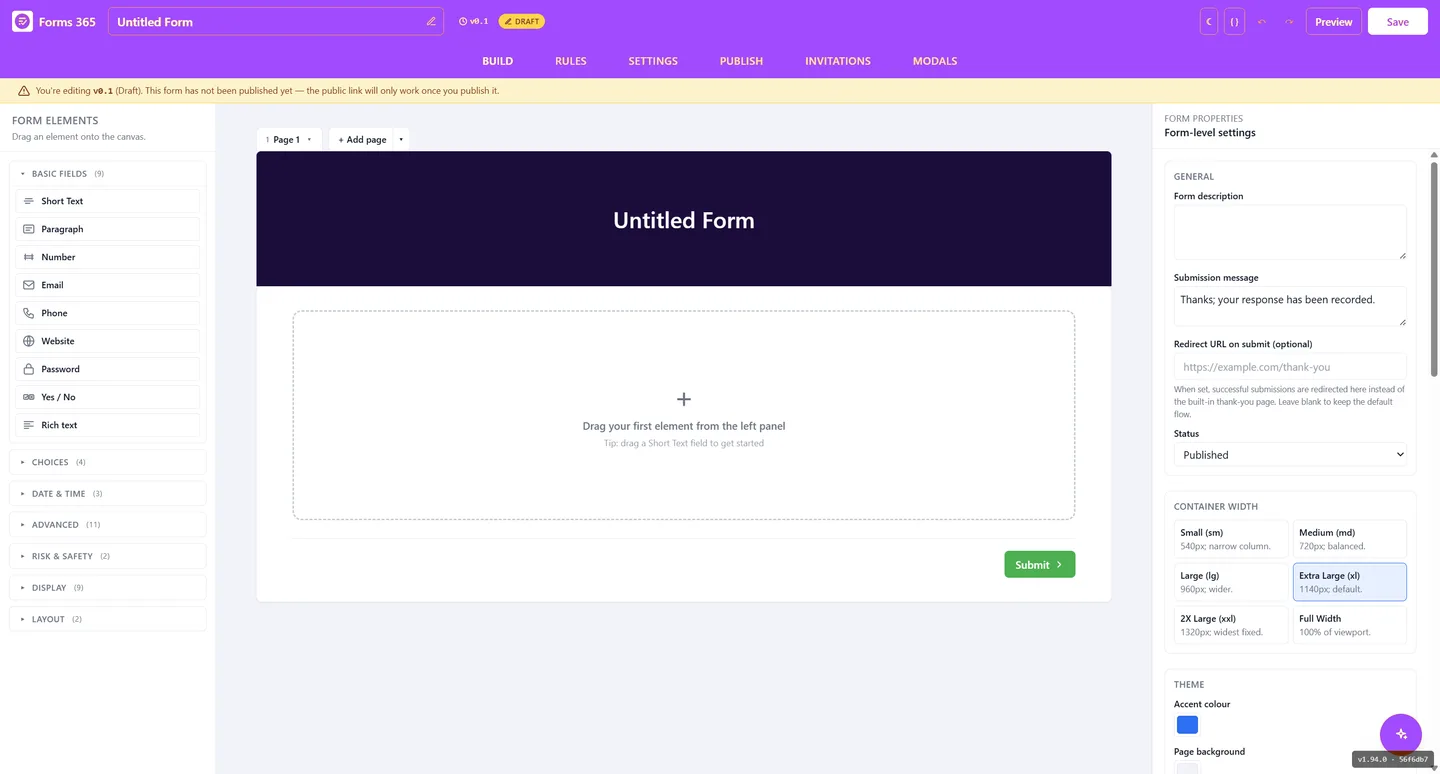
Yes. Forms 365 Web publishes a public URL that anyone can open in a browser and submit without a Microsoft account. Every submission saves directly to your SharePoint list. Neither Power Apps (without a portal licence) nor Microsoft Forms saves natively to SharePoint list items.
More comparisons
A survey tool or a real list form? How they differ and how to pick the right one for your data.
Cover the same SharePoint form job without the Power Apps licence, the Canvas app, or a developer.
Where Forms 365 differs from Plumsail: local support and data residency, AI form generation, and per-workspace pricing.
A focused SharePoint forms option after the add-in retirement: local support, data in your tenant, no Power Apps licence.
Both replace the list form and both keep data in your tenant. Where Forms 365 actually differs, and where it does not.
Stop paying for complexity.
Start building in minutes.
14-day free trial. No credit card. No Power Apps licence.